 Neil Fox Agency
ngram 2.0 Review: Building Explainers from Source Material
An assessment of ngram's workflow for scripts, screen recordings, and explainer videos, including editing and fact-checking considerations.
ngram 2.0 can turn source documents and screen recordings into explainer drafts. Creators can test it on a tutorial while retaining control of the claims, narration, and final edits.

What the launch describes
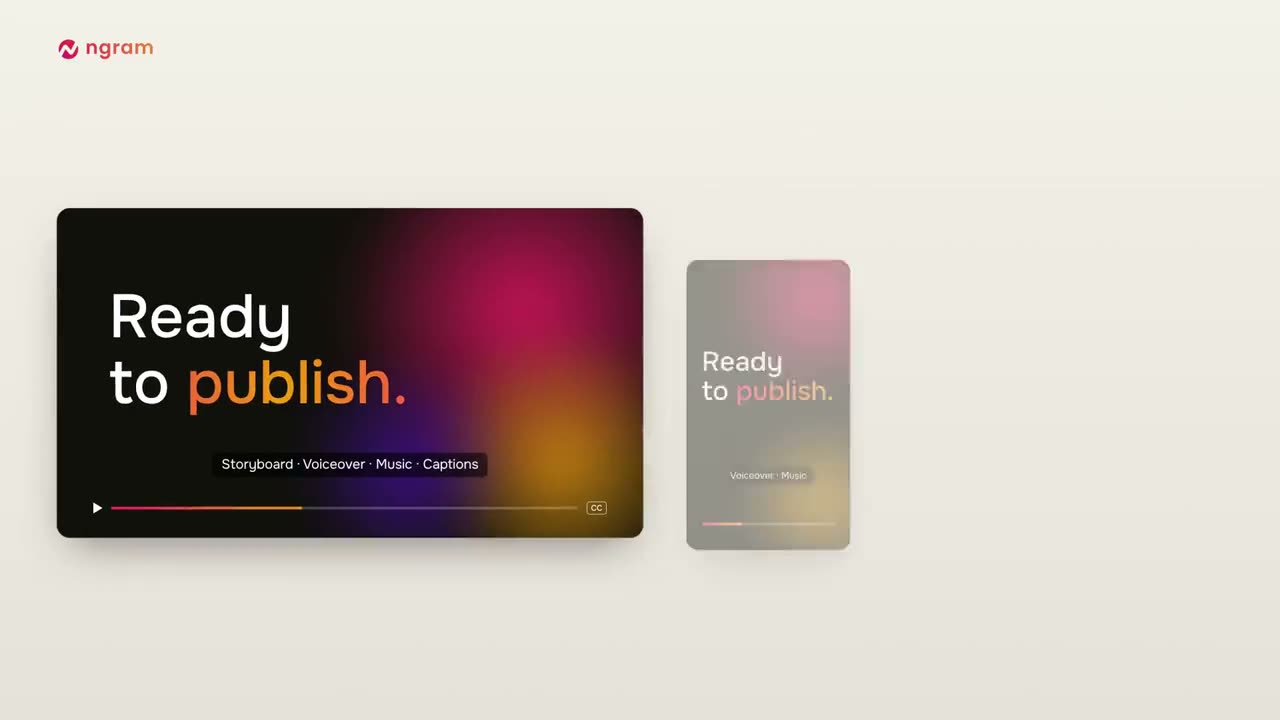
On Product Hunt, ngram 2.0 is positioned as an AI video agent for explainers, screencasts, and avatar videos. The company site describes making videos from a prompt or screen recording and shows examples for demos, onboarding, training, and process explanations. The company also presents scene-level editing and optional avatar choices; those are product descriptions, not independently tested output quality.
For a creator, the interesting part is the route from source material to a structured draft. A feature list, product documentation, or a screen capture can give the tool raw context. That does not mean it understands every edge case or that a synthetic voice is the right fit for a channel. The value depends on how much time it saves after you fact-check and edit.
A plausible workflow for creator explainers
A software creator might start with a tested screen recording and a short outline, then ask for a first cut explaining one task. A creator preparing a sponsor integration could use a draft to organize product steps or identify where a visual demonstration belongs. Keep the original recording and source links nearby so each statement can be checked before publication.
Set constraints before generating: name the viewer, the one question the video should answer, the exact version of the product, and any claims that must not be made. If the video is sponsored, distinguish a demonstration from an endorsement, describe only what you have personally verified, and coordinate required disclosures with the brand without surrendering your editorial judgment.
Review facts, visuals, and voice before publishing
Generative video can make an explanation look complete while leaving out an important exception. Check every interface step against the current product, confirm that prices or settings have not changed, and remove fabricated buttons, screens, or unsupported superlatives. Make sure generated captions and pronunciation are accurate, especially for names, technical terms, and accessibility needs.
Review whether the voice, pacing, avatar, and graphics fit your channel. A generic avatar may be appropriate for a quick internal draft but feel out of place in a creator-led video. If the source contains private customer data, internal dashboards, or unreleased product details, redact it before upload and check the provider's retention and training terms.
Where ngram may fit—and where it may not
The public description suggests a narrower fit for repeatable explainers and screen-based tutorials than for story-led vlogs, interviews, or videos whose value depends on a creator's lived experience. Before using it for a recurring format, test one low-risk example and compare total editing time, including correction, voice recording, captions, and export—not just the first generated draft.
Try one short explainer against your current workflow. Count fact corrections, scene edits, narration changes, and export steps as part of the time—not only the first draft—then decide whether the tool earns a place in a recurring format.
Key takeaways
- Use product documentation and a tested recording as source material, not as proof that every generated statement is correct.
- Keep the creator's voice and disclosure obligations visible through the editing process.
- Measure total correction and production time before making it part of a regular format.
Working checklist
- Choose one bounded explainer topic and identify its intended viewer
- Provide accurate source documents and a current screen recording
- Fact-check every feature, price, setting, caption, and claim
- Review the voice, avatar, pacing, branding, and accessibility
- Redact confidential information and check data-retention terms
- Compare end-to-end editing time with your existing workflow
Common questions
Can ngram 2.0 create a YouTube explainer from a screen recording?
The launch and company site describe explainer and screencast workflows from prompts and recordings. Review the current product terms and test whether its output suits your production process.
Can I use an AI-generated explainer in a sponsored video?
That depends on your agreement, disclosure plan, product facts, and platform rules. Verify all claims and keep responsibility for the final endorsement and video.
Will ngram make a video get more views?
The public launch materials do not establish that. Views depend on many factors, and this article reports no performance test.
Should I upload internal or customer recordings?
Remove sensitive data and review the provider's retention, access, and model-use terms before uploading anything confidential.
Primary sources
Platform policies and legal guidance can change. Review the official source relevant to your campaign; this guide is general educational information, not legal advice.

Neil Fox
Neil Fox founded Neil Fox Agency to help consumer brands and YouTube creators build thoughtful sponsorship partnerships. He works on creator research, outreach, campaign coordination, and practical reporting, with clear scope and respect for the people who make the content.