 Neil Fox Agency
Refs Review: Using Video References to Plan Original Work
A closer look at Refs' shot-by-shot blueprints, public archive, and assistant integrations for planning original video work.
Refs can help creators break down pacing and story beats before planning an original explainer or sponsor integration. It offers structure, not rights to reuse footage, scripts, or music.

What Refs offers
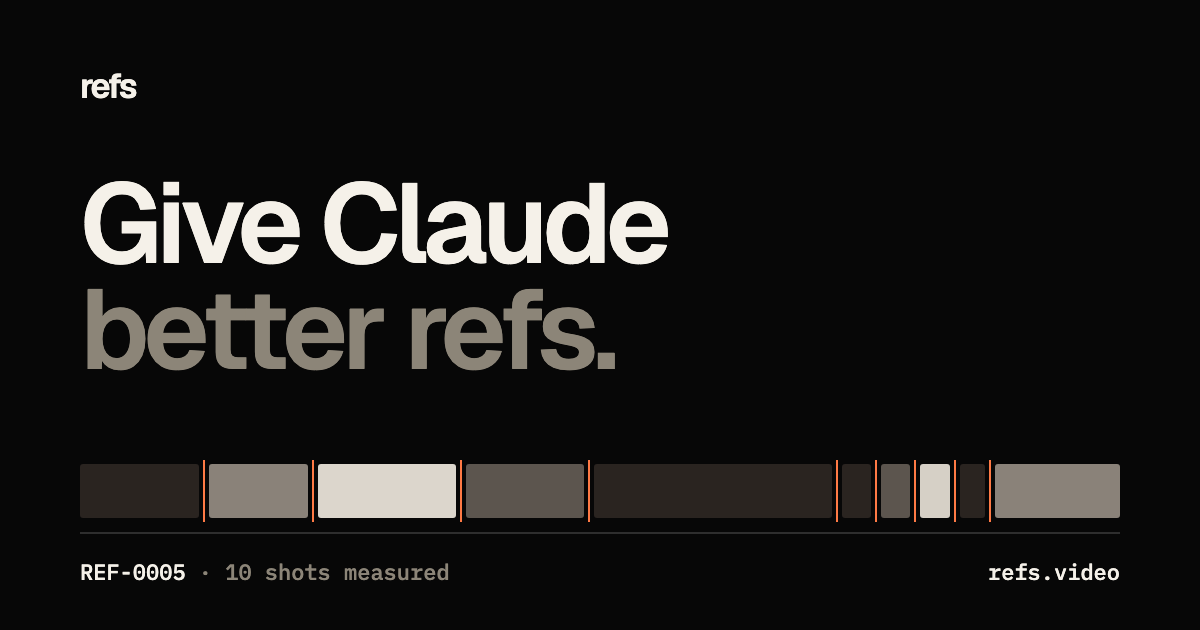
Refs describes its collection as films analyzed cut by cut and organized into visual blueprints or prompts. Its Product Hunt launch highlights a library of references and an MCP workflow for Claude Code, Codex, and Cursor; the current company site describes browsing a larger archive and using film references to inform creative planning. Product counts and plan details have changed across launch and current pages, so this review avoids treating a catalog number or price as a durable fact.
The useful question is not whether a reference is popular. It is whether its structure solves a problem in your own brief: how quickly it establishes context, when a visual changes, how it demonstrates a feature, or how it lands a final idea. Refs can help make those observations explicit; it cannot decide whether the same structure fits your audience.
Use a reference as a planning tool, not a template to copy
For a creator video, note broad mechanics such as opening with a concrete question, alternating explanation with demonstration, or returning to a visual motif. Translate each observation into a new beat that uses your own story, footage, wording, and music. If a reference depends on a highly recognizable animation, camera move, script, or sound, use it as a cue to design a different solution rather than recreating it shot for shot.
A practical test is to remove the source film and ask whether your plan still reflects your product, expertise, and channel voice. Keep an idea log with the reference URL, the general lesson, and the original execution you intend to create. When a client or sponsor is involved, get approval for the new brief and ensure the product's claims and placement remain accurate.
A limited but useful role in sponsor integrations
A sponsor integration can feel more coherent when its demonstration follows the audience's real question rather than interrupting the story. A reference can help a creator study transitions, pacing, or how visual evidence supports a spoken explanation. The brand should supply accurate product facts and review factual statements, while the creator keeps control of personal opinions and the channel's editorial style.
Do not let a shot blueprint become a promise about outcomes. A reference's prior views or popularity do not predict what your video will achieve, and a launch-film collection may be less relevant to a long-form tutorial or documentary than to a short product explainer. Match the reference's form to your own video length, audience, and deliverables.
Who may benefit and what remains unverified
Refs may be most useful to creators, editors, and small teams who regularly plan motion-led product videos and want a more structured way to discuss visual choices. If you already keep a strong reference library or mainly publish conversational videos, the extra tool may be unnecessary. Confirm what is available in the free browsing experience, what requires a paid plan, and how any connected MCP permissions work before relying on it.
For a practical trial, choose one short brief and see whether a blueprint helps you produce an original shot sequence faster than your existing planning process. Keep the creative choices yours, and do not treat the reference's history as a forecast for your video.
Key takeaways
- Use references to name broad creative mechanics, then develop an original execution.
- Do not mistake Product Hunt popularity or past video views for a performance forecast.
- Check plan limits and MCP permissions before connecting the tool to your workflow.
Working checklist
- Start with a brief, audience question, and original point of view
- Record the reference URL and the general structural lesson
- Create new wording, footage, music, and visual choices
- Check rights before using any source media or assets
- Keep sponsor claims accurate and disclosures clear
- Confirm free and paid features and connected-tool permissions
Common questions
Does Refs provide footage I can reuse in my YouTube video?
Its public descriptions present it as a reference and analysis library. Do not assume the existence of a reference grants rights to reuse its footage, music, or other assets.
Can Refs help plan a sponsor integration?
It may help you study pacing and visual structure, but the actual brief, product facts, disclosure, and creative must fit the specific audience and agreement.
Does a popular reference predict my video's performance?
No. A reference can inform creative decisions but does not prove that your video will earn similar views or results.
What is an MCP connection in this context?
The launch describes connecting Refs to certain coding assistants. Review the current integration permissions and data access before enabling any connection.
Primary sources
Platform policies and legal guidance can change. Review the official source relevant to your campaign; this guide is general educational information, not legal advice.

Neil Fox
Neil Fox founded Neil Fox Agency to help consumer brands and YouTube creators build thoughtful sponsorship partnerships. He works on creator research, outreach, campaign coordination, and practical reporting, with clear scope and respect for the people who make the content.